

Mapiddiction
Private mapping and AI-powered wayfinding
Mapiddiction is our mapping product, crafted as a custom module on M4 (formerly Mobiconnect), Mobiddiction’s platform. Create private maps of your venue, campus or event, with optional wayfinding, and manage as many maps as you need from one account.
Why We Created It
Why private venues need custom maps
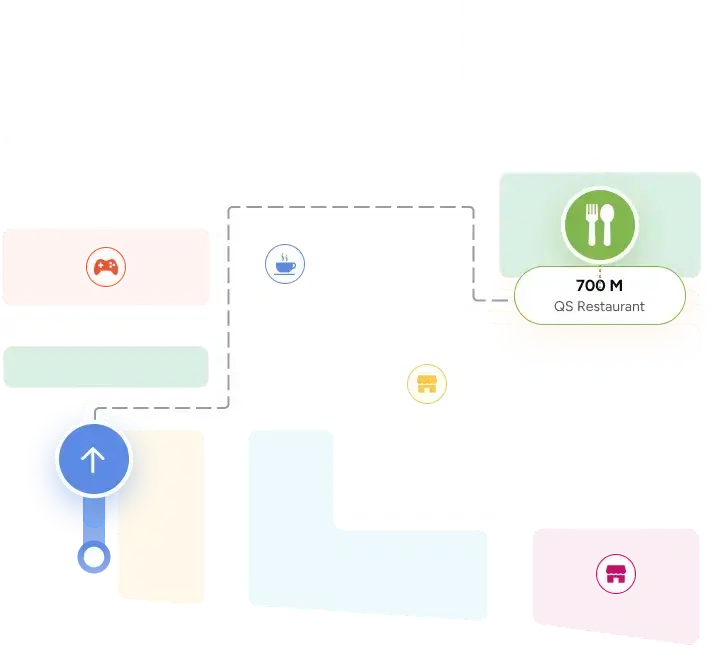
Most mapping tools plot pins on a standard map, or print static signage. Mapiddiction lets you create private, interactive maps of your own layout, with optional wayfinding, and manage as many as you need from one account.
On M4
What M4 brings to Mapiddiction
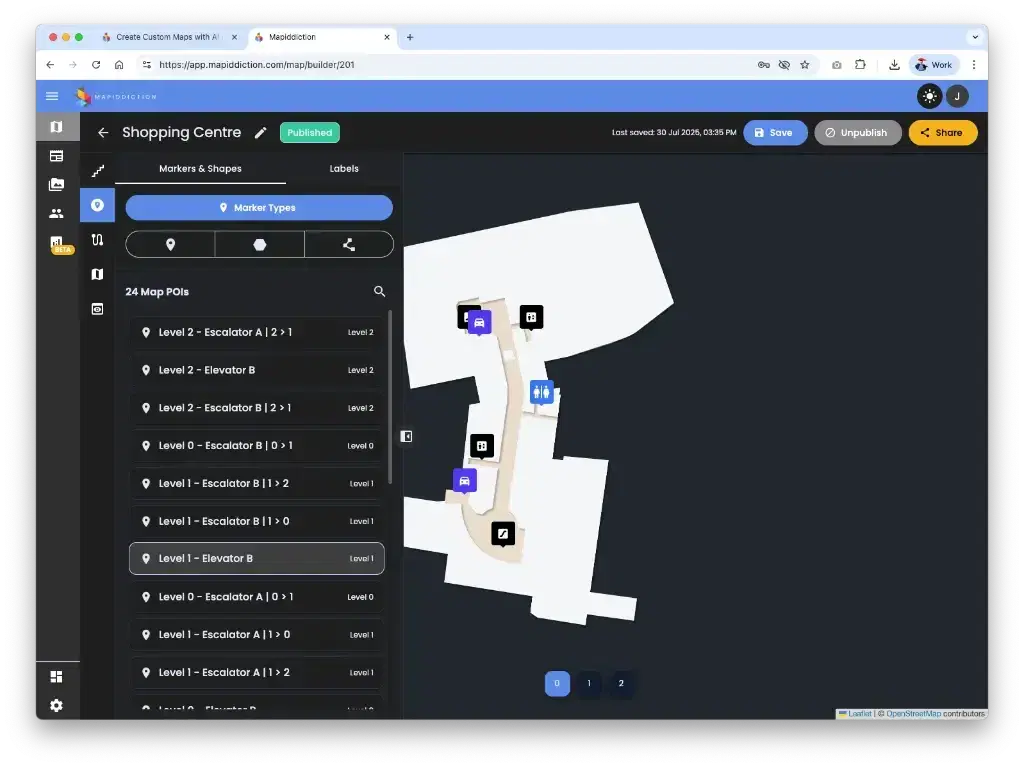
Mapiddiction is a custom module that plugs into the M4 core, so it signs in your people, stores your media and manages your workspace the way every other M4 program does.
Core, used as it is: workspaces and members, roles and permissions, media, and API keys. Extended: data feeds, which map external records onto markers on a schedule.
Custom, crafted for Mapiddiction: maps, markers, shapes and filters, share links and QR codes, the public map viewer, AI routing that takes accessibility into account, and map analytics.
Who can use custom maps?
Large event organisers
Agricultural shows, festivals, expos and fairs.
Venue and precinct managers
Museums, zoos and convention centres.
Large campuses
Universities, hospitals and display villages.
Places public maps miss
Complex estates and memorial parks that public map data does not cover well.
Privately operated sites
Factories, mining villages and other large private sites.
What you get in Mapiddiction
Map builder
Create image maps, overlay maps and standard maps. Add markers, labels, shapes and media, and organise them with categories and filters.
Wayfinding
AI-powered routing between points, tailored to your venue’s layout and taking accessibility into account.
Points of interest
Attach photos, video, audio, descriptions and links to each point of interest, with a QR code for quick access on a phone.
Share and embed
Publish a map, then share it by link or QR code, or embed it on your website, digital screens and apps, with filters shown or hidden.
Import your data
Bring in existing map data as GeoJSON, KML, GPX or shapefiles.
Map analytics
See how your published maps are used. Public figures are aggregated and anonymised.
Routes that keep up with the place
Mapiddiction uses AI to route people between points on your map, and our team configures it for your venue’s layout.
Scored for accessibility
Routes take accessibility into account, so visitors can find a way that works for them.
Adapts to changing layouts
Routes work around temporary structures and changing layouts at events, venues and precincts.
Published everywhere
The same routes reach websites, apps and screens, from one map.
Three types of custom map you can create
Add your own pins to a street or satellite map, lay your own design over one, or create a private map with no base map at all.
Option 1
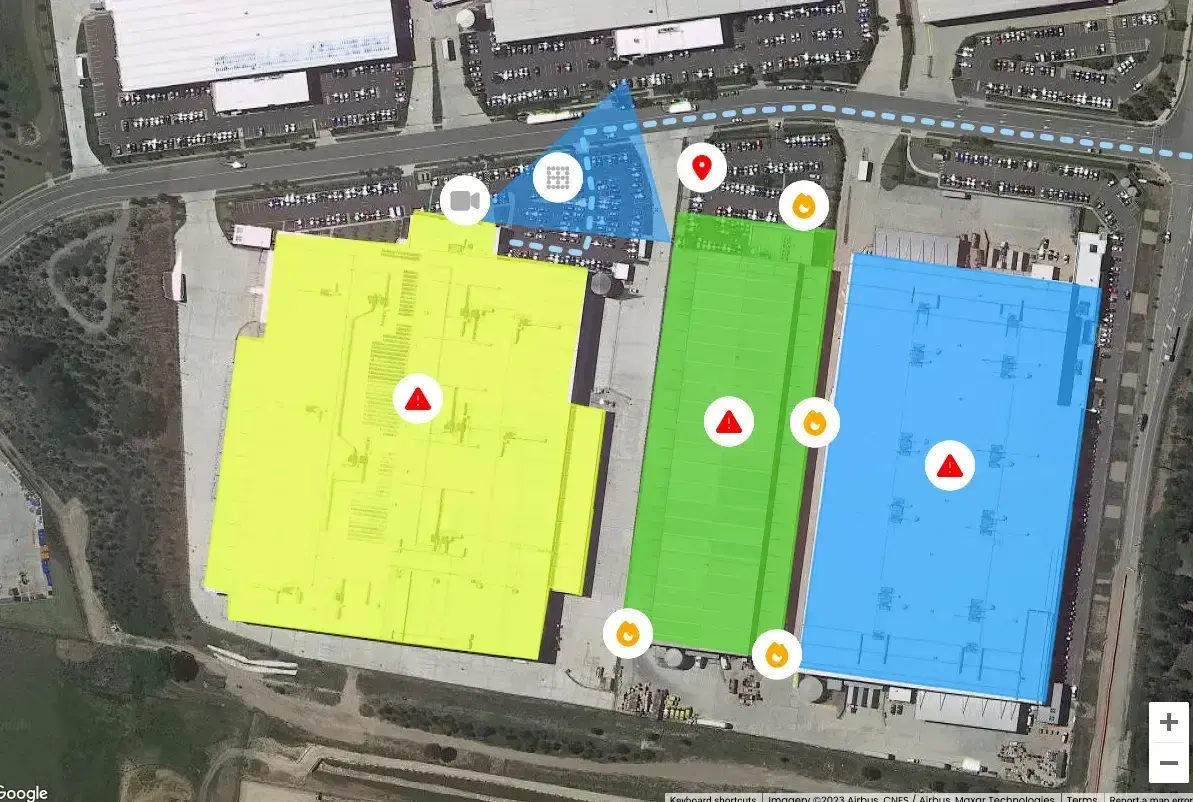
A street or satellite map with your own points, shapes and lines
Show your venue in the context of its wider area, with more detail than a standard online map.
If directions get people to your street address but not the last stretch to where they actually need to be, this is the map type for you. Add what standard maps leave out: building outlines, entrances and exits, reception, loading docks, car park entrances and customer parking.
Option 2
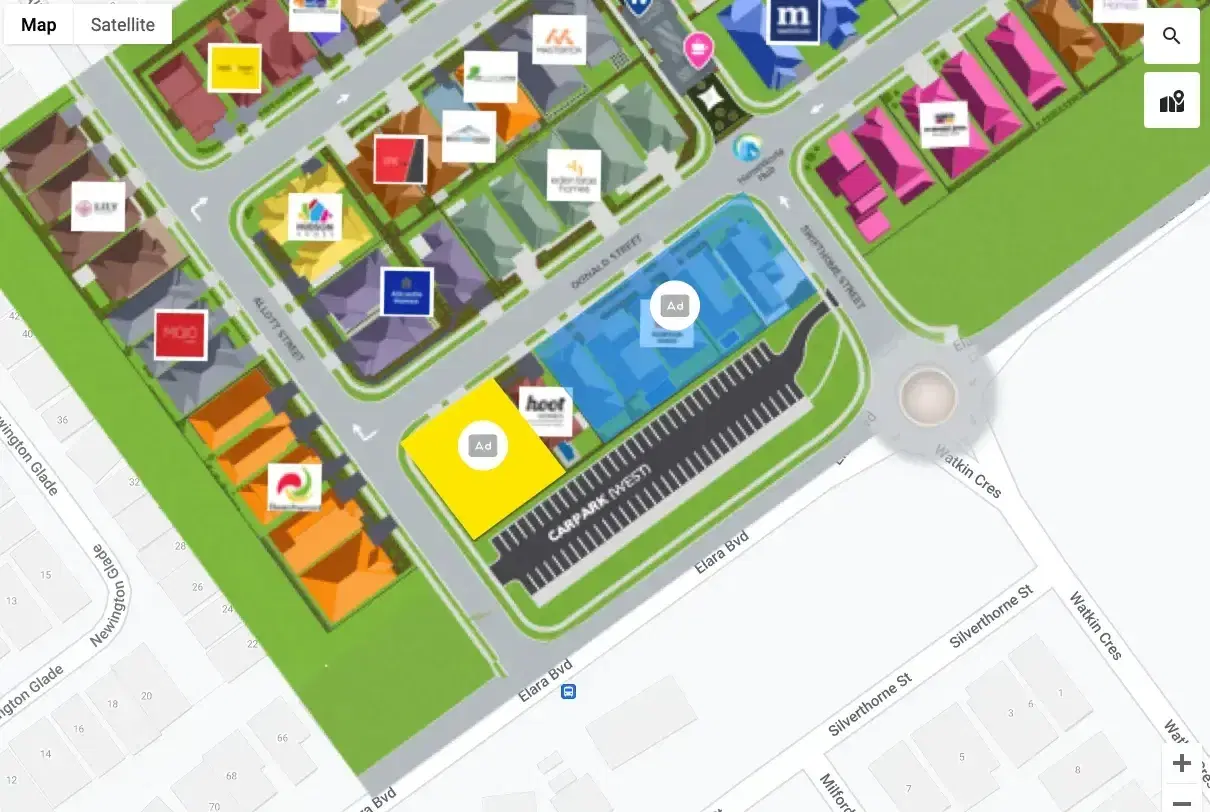
Your own design, laid over a street or satellite map
Your designer creates a map drawn to scale, you line it up on the map in Mapiddiction, and it replaces that area with your own custom map.
This type needs a high-resolution image produced to a few specific requirements. Use it to style your venue your way while still showing markers, shapes such as rectangles, circles and polygons, and lines for routes or boundaries. Beyond the edges of your design, the street or satellite map shows through, which is useful when the satellite imagery of your site is out of date.
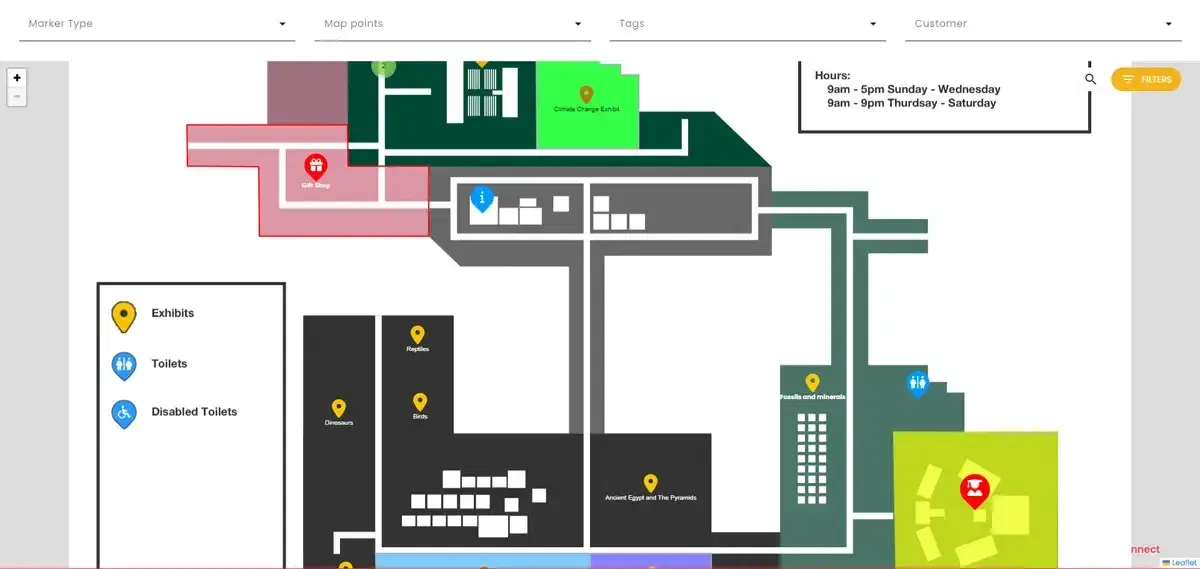
Option 3
A private map with no base map underneath
Start from a base design, such as a PNG of a zoo, festival, museum or factory, and digitise it. There is no street or satellite map underneath.
Use it where GPS locations are not needed or not available. Indoor maps often use this type because phone GPS works poorly inside buildings. It also suits stylised maps, where the order and relative position of features matter more than exact angles and distances.
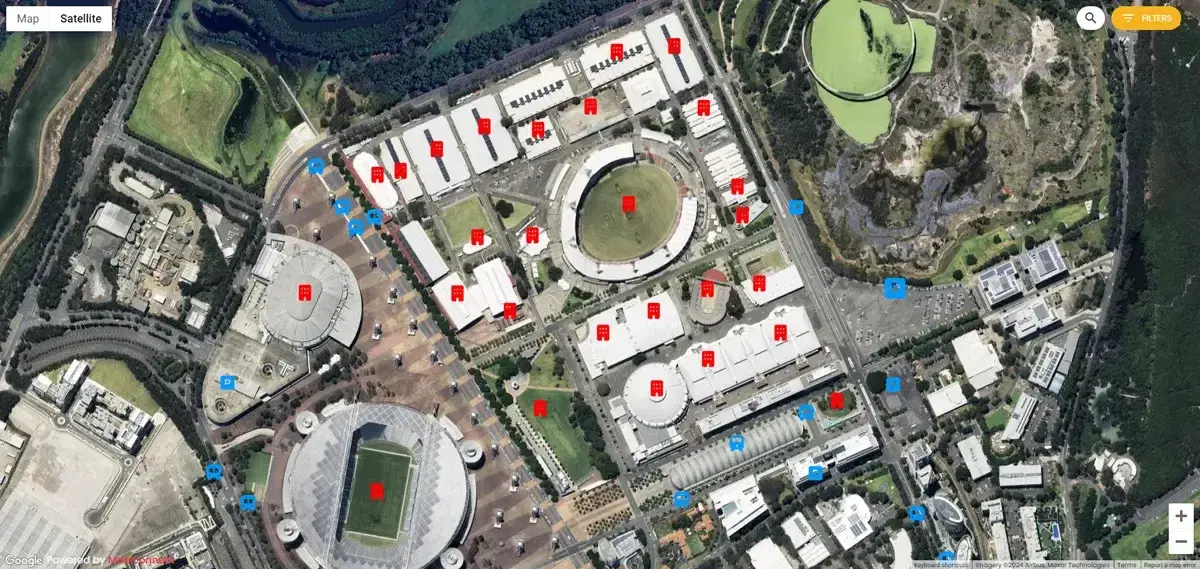
Custom pins on an area of a satellite map
Select an area of the map and add your own pins and information, shown here for venues, transport and parking across the precinct.
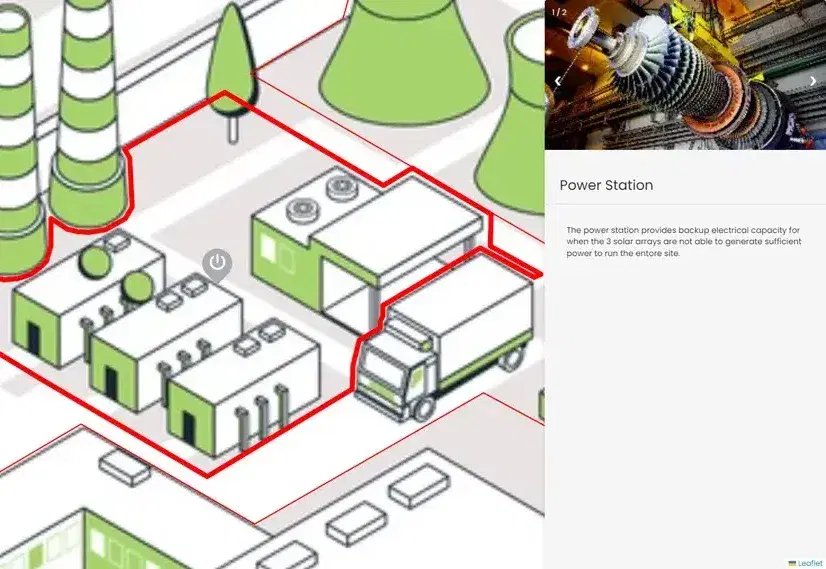
Start from a flat JPG or PNG
Add pins and information to a flat map design, and draw shapes around facilities to highlight them. Then share the map by URL, or embed it on your website, apps or touch-screen kiosks.
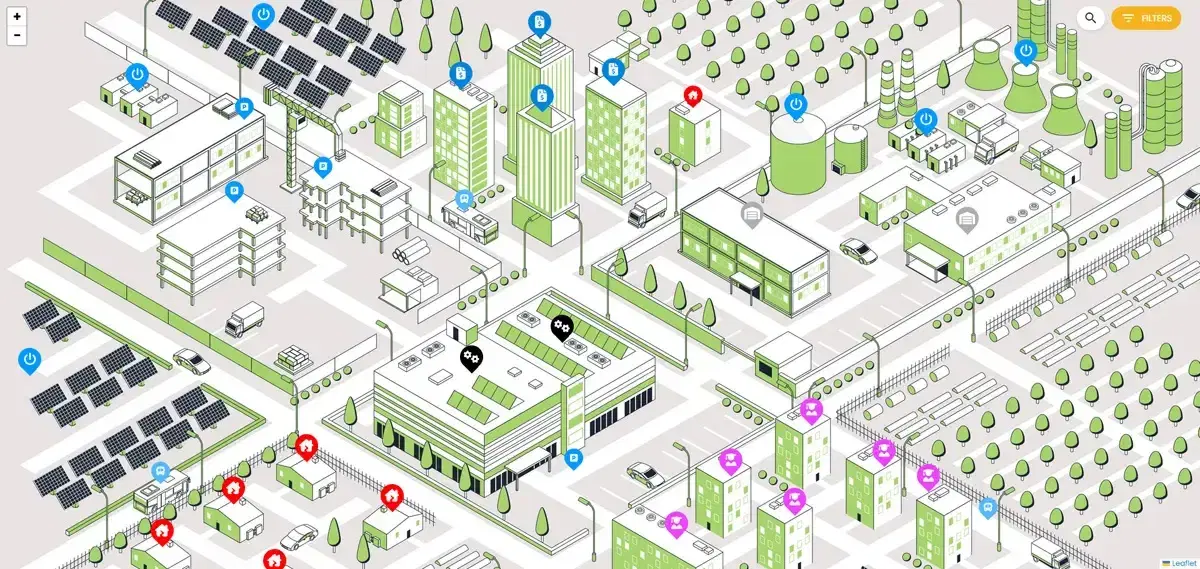
Pins and information, no shapes, no base map
A factory overview with pins and information, no shapes and no base map underneath. It is a simple way to digitise points of interest and content on an existing design file.
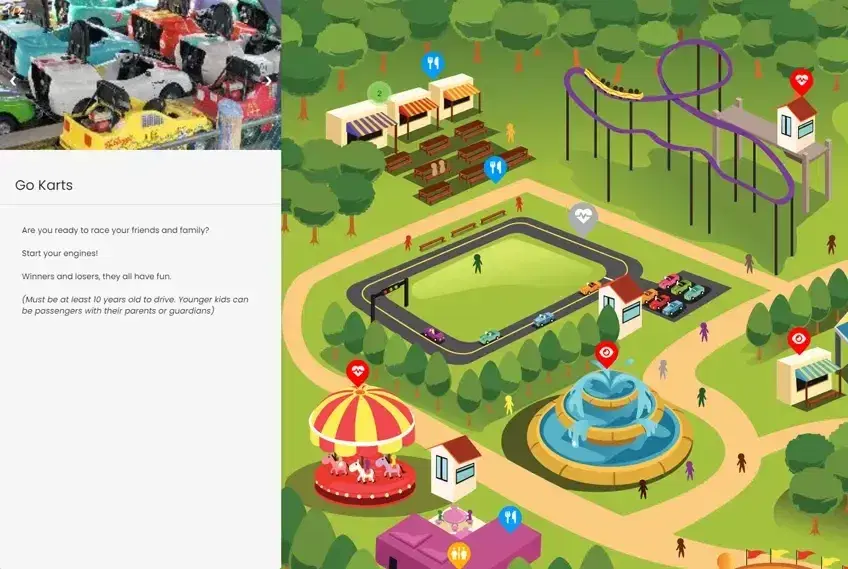
Turn a flat event design into a live map
Have your designer remove the pins and text from your flat file, import it as a JPG or PNG, and add your own points of interest with content and custom icons. Publish, share or embed it, and update content from the admin console at any time, including QR codes for individual points.
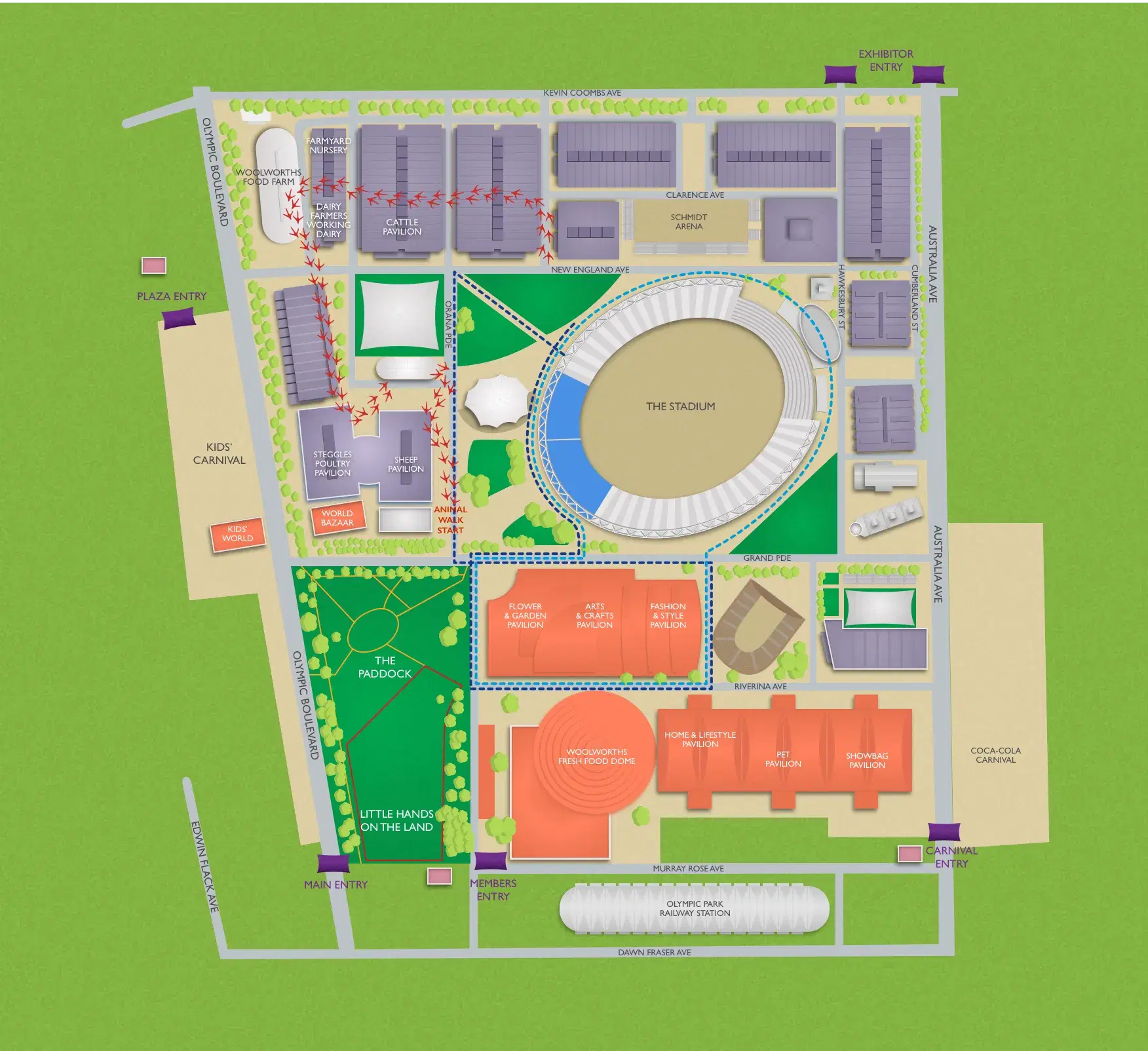
Enterprise Mapping
Need an enterprise custom map?
Some clients prefer us to make their maps, especially where a map is complex and needs GIS design expertise. Our mapping team can work from your design, or create the full map and set up the digital version for you.
We overlay event-specific information for outdoor events, such as the maps we designed for the Sydney Royal Easter Show, with optional walking directions. They work across websites, apps, large onsite displays and printed or PDF flyers. Private walking directions help visitors find their way around resorts, golf courses, zoos and factory floors.
Maps our team has designed
Tell us about your venue, campus or event
Tell us what you need to map and our mapping team will come back to you.