

Our Support Portal
How we run support, on M4
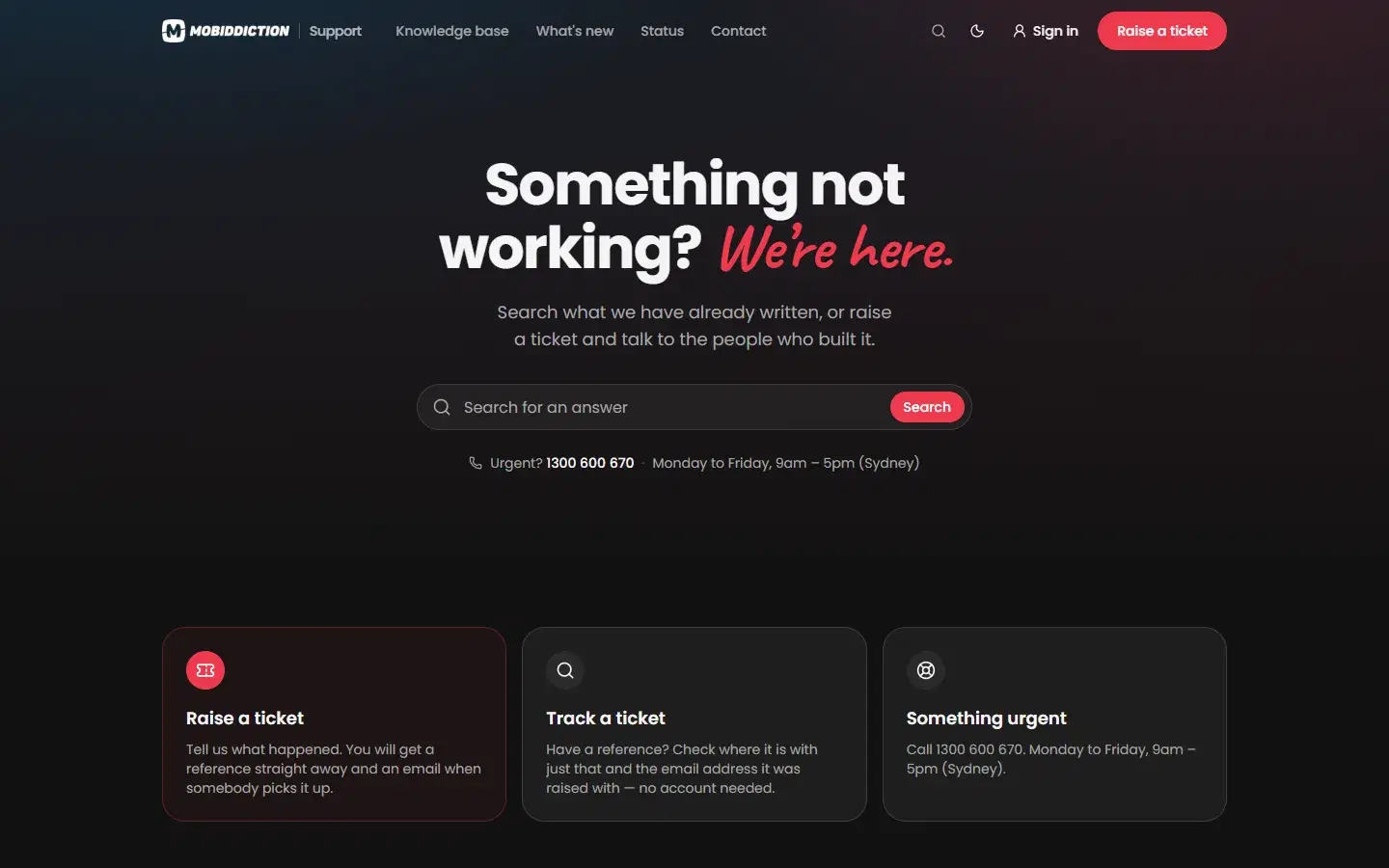
Every request from the clients we support comes through one portal, support.mobiddiction.com. It runs on M4, with a support desk module we crafted for ourselves on the same core as the programs it supports.
One Queue
Every program we support, in one place
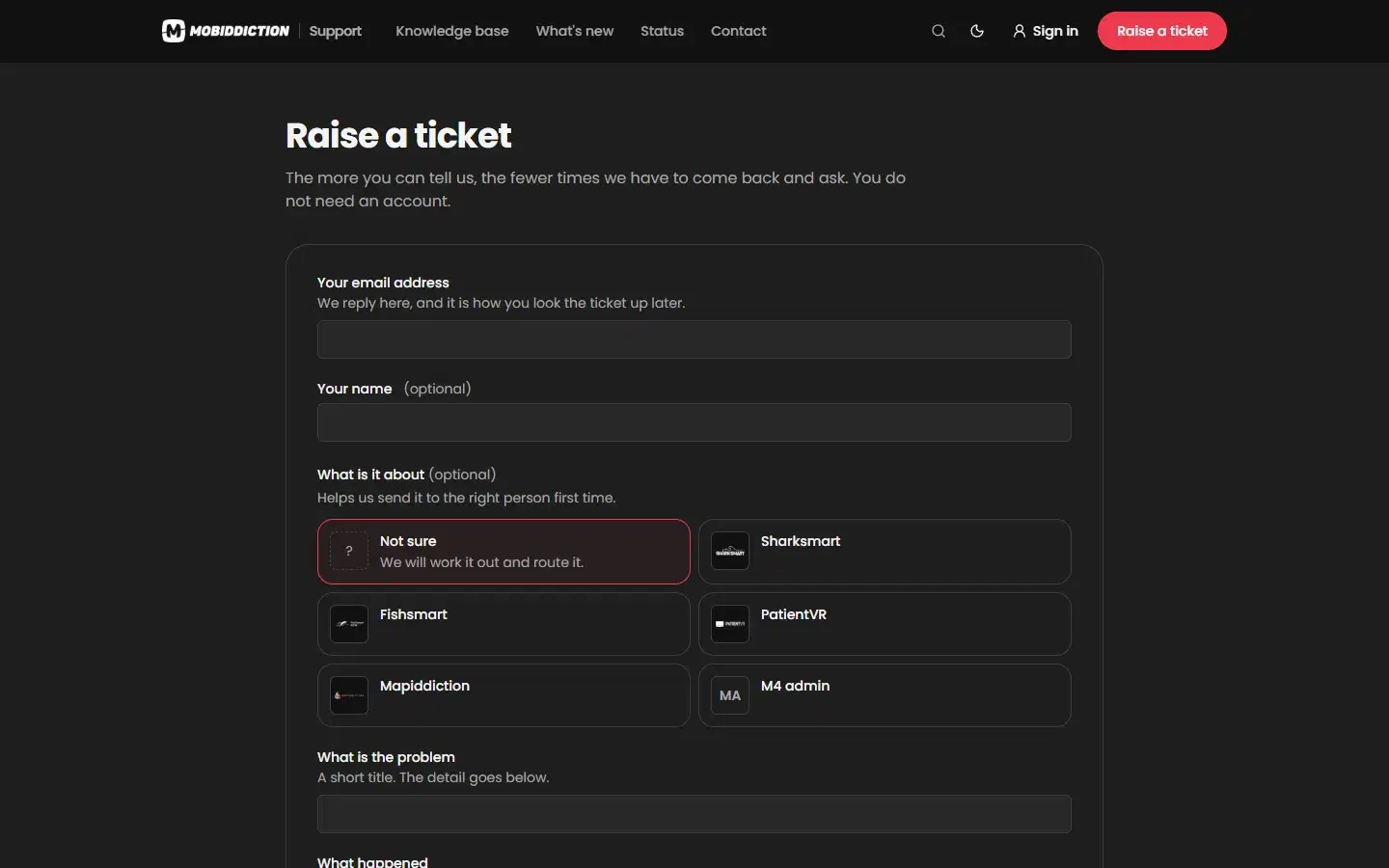
SharkSmart, FishSmart, PatientVR, Mapiddiction, the M4 admin console and the client sites we run all share one support queue. Whoever raises a ticket picks the program it is about, or leaves it for us to route.
Our team works every ticket from the same queue, so nothing waits in a separate inbox and every client gets the same service.
Built so nobody has to chase a ticket
Raise a ticket, no account needed
Tell us what happened in the portal. You get a reference straight away, and an email when somebody picks it up.
Track it with a reference
Check where a ticket is with its reference and the email address it was raised with. Clients who sign in see all of their tickets in one place.
Response targets by priority
Every ticket has a priority with a first-reply and resolution target. The clock pauses while a ticket waits on you and resumes when you reply.
Where AI helps our support team
AI handles the routine parts of support. Experienced staff review its work and answer every ticket.
Triage
AI-supported analysis helps triage incidents, so a ticket reaches the right engineer sooner.
Knowledge base
AI drafts support material and knowledge base articles, which experienced staff then review.
Monitoring
AI-supported analysis of usage patterns and system performance, so issues are spotted early.
Support Hours
Published hours, targets and answers
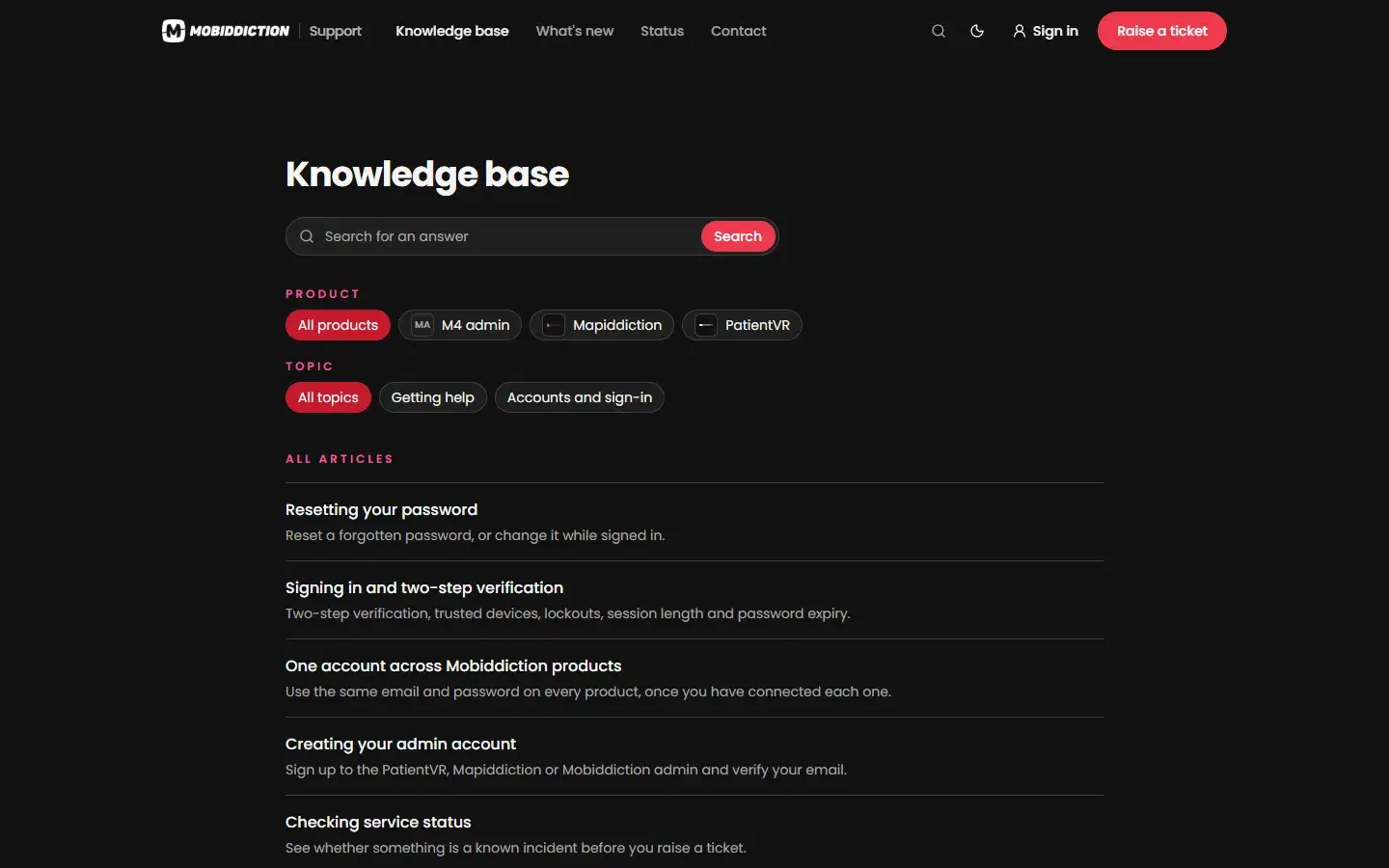
Our support hours are Monday to Friday, 9am to 5pm Sydney time, excluding NSW public holidays. Our response targets for each priority are published in the portal’s searchable knowledge base, alongside answers on sign-in and accounts, so clients know what to expect before they ask.
Urgent issues go to the phone, on 1300 600 670, and after-hours support is available where a client’s agreement covers it.
What the support portal is assembled from
The portal signs people in, keeps requesters as contacts, publishes the knowledge base and sends ticket emails with the M4 core. The ticket queue and requester portal are a custom module we crafted only for our own support.
Core · configured
Shared features every program uses as they are. We run them, secure them and keep them current for everyone.
Custom modules · crafted
Modules we craft only for your program and plug into the core, so they use features like sign-in, media, notifications and data.
- Support desk
A ticket queue and requester portal for the programs we support.
Raise or track a ticket in the support portal
Something urgent? Call 1300 600 670, Monday to Friday, 9am to 5pm Sydney time.